
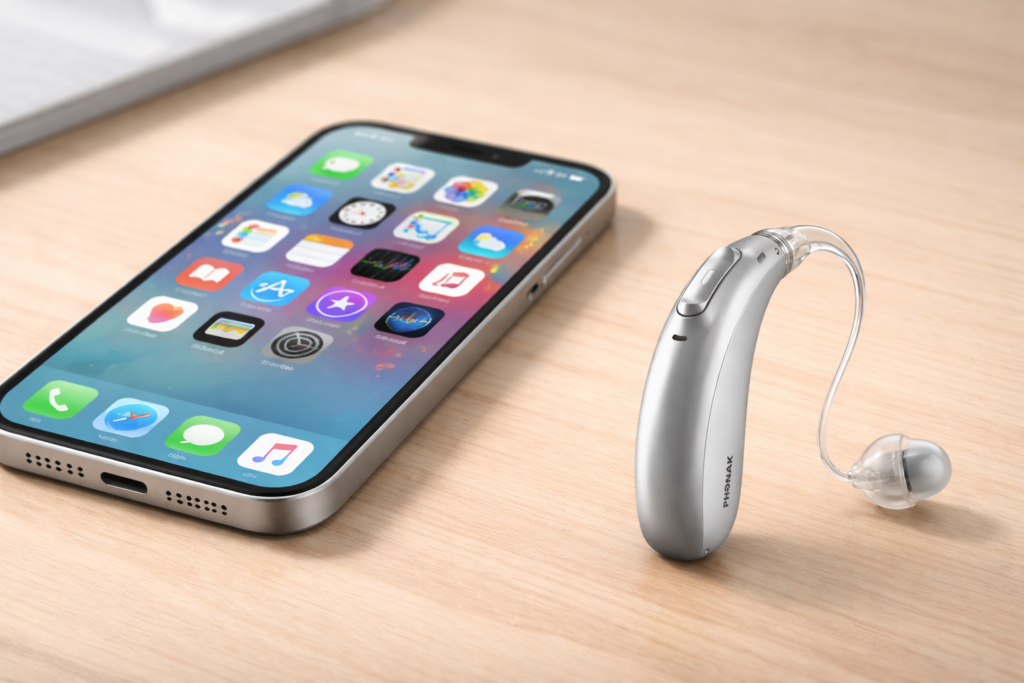
Many hearing aids (including popular brands like Phonak) connect to iPhones using Bluetooth, not Apple’s built-in “Made for iPhone” hearing aid system. When iOS updates change how Bluetooth works behind the scenes, that connection can quietly break.
What people often notice:
Phone calls no longer route to hearing aids
Music or videos play through the iPhone speaker instead
Hearing aids still appear “connected” but don’t carry sound
Restarting doesn’t fix it
This does not usually mean:
Your hearing aids are faulty
You’ve done something wrong
You need new hearing aids
It’s usually a software compatibility issue between the iPhone update and the hearing aid connection.
The good news:
These issues are often fixable with the right steps
A full Bluetooth reset and correct re-pairing is usually required
App or firmware updates from the hearing aid manufacturer may be needed
The frustrating part:
iOS updates don’t always explain what’s changed
Settings can look correct even when audio routing is broken
The fix is rarely obvious
This is exactly why Look Learn Apple exists.
We focus on calm, step-by-step help that explains why things happen, not just what to tap.
If your hearing aids stopped working properly with your iPhone after an update, you are not alone, and you are not stuck. Help is available, and in most cases, the problem can be resolved.