
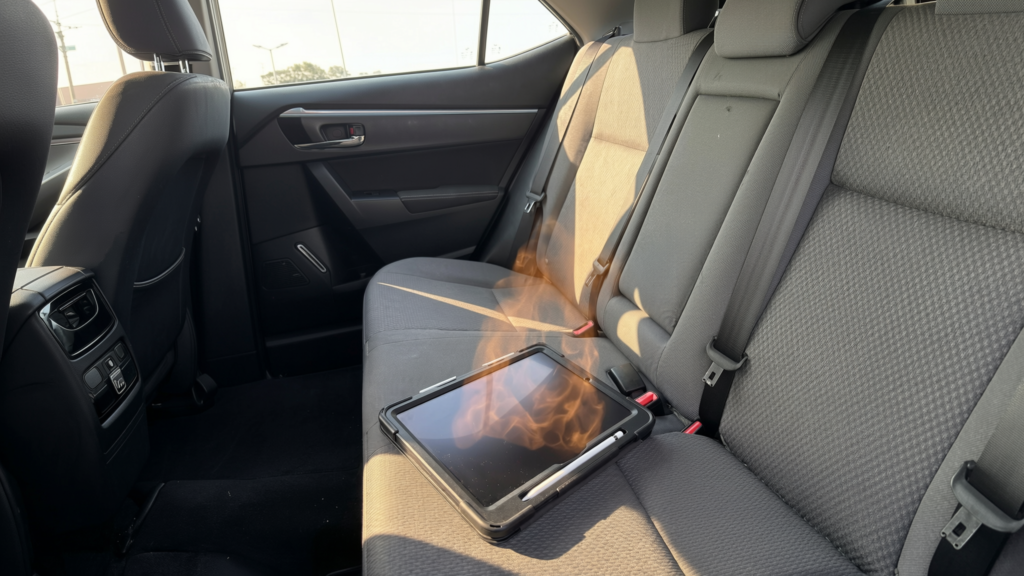
Summer heat doesn’t just affect you—it affects your phone, tablet, and laptop too. Most devices include built-in heat protection, but ignoring everyday temperature traps can still lead to slower performance, paused charging, or long-term battery wear.
Here are the most common hot-weather mistakes, plus exactly what to do before damage happens.
5 Mistakes That Push Devices Into the Danger Zone
- Leaving it on the car dashboard
Windshields act like magnifying glasses. Even mild sunshine can push dashboard temps past safe limits in minutes. - Charging while running GPS
Navigation, cellular data, screen brightness, and charging all generate heat at once. Combine them with sunlight, and thermal warnings appear fast. - Working on a laptop in direct sun
Aluminium chassis absorb heat quickly. Add video calls or heavy multitasking, and fans max out while performance drops. - Charging next to a sunny window
Glass traps warmth. Charging adds more. Without airflow, your device hits thermal limits before you even notice. - Ignoring temperature warnings
Dim screens, paused charging, or sudden shutdowns aren’t glitches. They’re your device actively protecting itself. Push past them, and long-term damage becomes likely.
The 30-Second Cool-Down Routine
- If your device feels hot or shows a warning, act fast:
- Move it to shade or an air-conditioned room
- Unplug the charger immediately
- Remove the case to release trapped heat
- Pause heavy tasks (gaming, filming, navigation, video calls)
- Power off if it stays hot after 2 minutes
- Wait 15–30 minutes before using or charging again
Never use a fridge, freezer, or ice pack. Rapid temperature changes cause condensation, which can permanently damage internal components.
Quick Pre-Outing Checklist
- □ Charge at home instead of outdoors
- □ Plan for shade or ventilation
- □ Leave thick cases behind if heat is expected
- □ Keep laptops off soft surfaces that block vents
- □ Never leave devices in parked cars (not even “for a minute”)
- □ Check manufacturer temperature guidelines before extreme trips